Quick Response (QR) Codes -
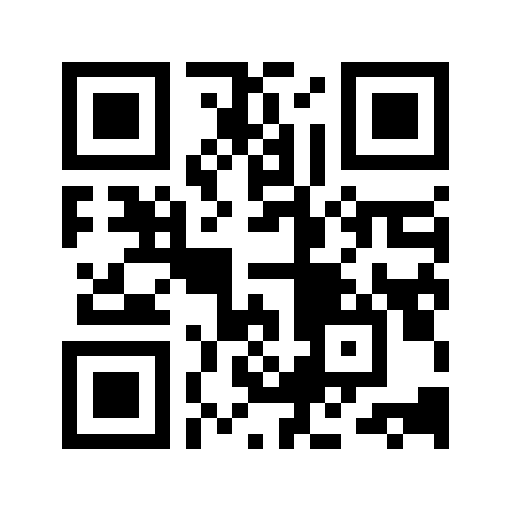 There were a number of ways that you can use the QR Codes in the classroom. The example that was given to us was for students learning notes and how they are placed on the Treble Clef Ledger Lines. The students were given a worksheet with the various notes (from low 'C' to high 'G') and were required to use a QR code scanner on the iPads to find out which note is which. The sheet that they scanned had a picture of the note on the ledger line and below had the QR code. After they scanned them, they would then write the note under the picture on their worksheet. This activity is great for students learning note placement as well as note recognition.
For cross curricular adaptations, these codes could be used in any subject. For example, you could have students do a 'symposium' in history where each student is required to do a poster board at their desk about a specific aspect of the Second World War. A success criteria for the poster board could be the use of a QR code linking to a video or information about the poster. Students could walk around and scan and get the required information for each presentation. Another idea could be a scavenger hunt in Science to learn the elements in the periodic table.
How do I use it?
In order to use them in your own lesson, you simply go to a QR code generator (like this one: https://www.the-qrcode-generator.com/ or you could simply type it into 'google') and then add it in. To get the QR code scanner, you can look on the App store and download one of the free scanning apps.
Aurasma -
 Again, this is another adaptation to the QR codes. This program is fantastic and I am SO excited to use it in my own classroom. This 'augmented reality' app uses image recognition technology to recognize real world images and then place an 'overlay' media on top of them in form of animations, videos, 3D models and webpages.
The example that was given to us in the workshop was a grade 12 music student. The student created an 'aura' on a bulletin board. The pictures were of each scale the student was required to know. When using the app and zooming in on the photo, it took you to a video of the student performing each scale.
There are so many adaptations you could you use this app for in the classroom. One fantastic idea would be to do a virtual 'aura' yearbook. Students could scan over the student's picture and it could link to a video of the student or any other type of information that they might want to have linked to their picture.
How do I use it?
In order to use Aurasma, simply go to the App store and download the free app. From there, you're required to sign up for a free account. Then, you can have your students upload their pictures (or find them in the gallery) and create an 'aura'. Online, the students will then link the printed photo to the video in their aura. After that, it is ready to use. You should really check out this demo as it shows how amazing this technology is: Aurasma Demo
I can't wait to use both of these new technologies in my classroom. Are you using them? How have you adapted them for your own classroom?


No comments:
Post a Comment